CS184 Section 1
Introduction/Simple OpenGL
Brandon Wang
January 29, 2013
Material adapted from James O'Brien, Fu-Chung Huang, Ravi Ramamoorthi, and Carlo Sequin.
Brandon Wang
January 29, 2013
Material adapted from James O'Brien, Fu-Chung Huang, Ravi Ramamoorthi, and Carlo Sequin.
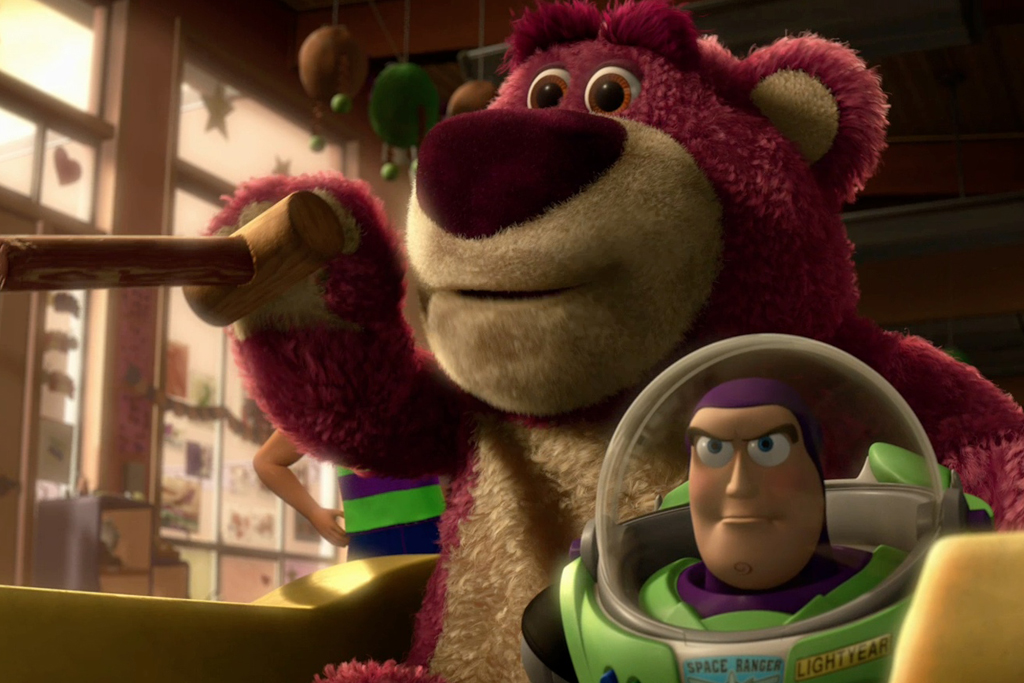


Computer graphics are graphics created using computers and, more generally, the representation and manipulation of image data by a computer with help from specialized software and hardware.
Computer graphics are programmed pretty pictures.
| Modeling | Animation | Rendering |
v -3.000000 1.800000 0.000000
v -2.991600 1.800000 -0.081000
v -2.991600 1.800000 0.081000
v -2.989450 1.666162 0.000000
...
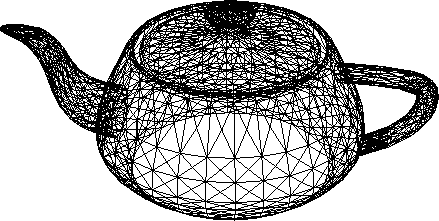
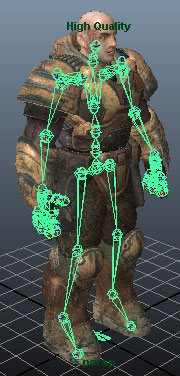
| Modeling | Animation | Rendering |
(Sometimes optional)
 |
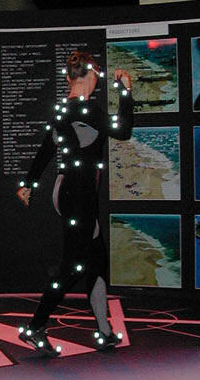 |
| Modeling | Animation | Rendering |
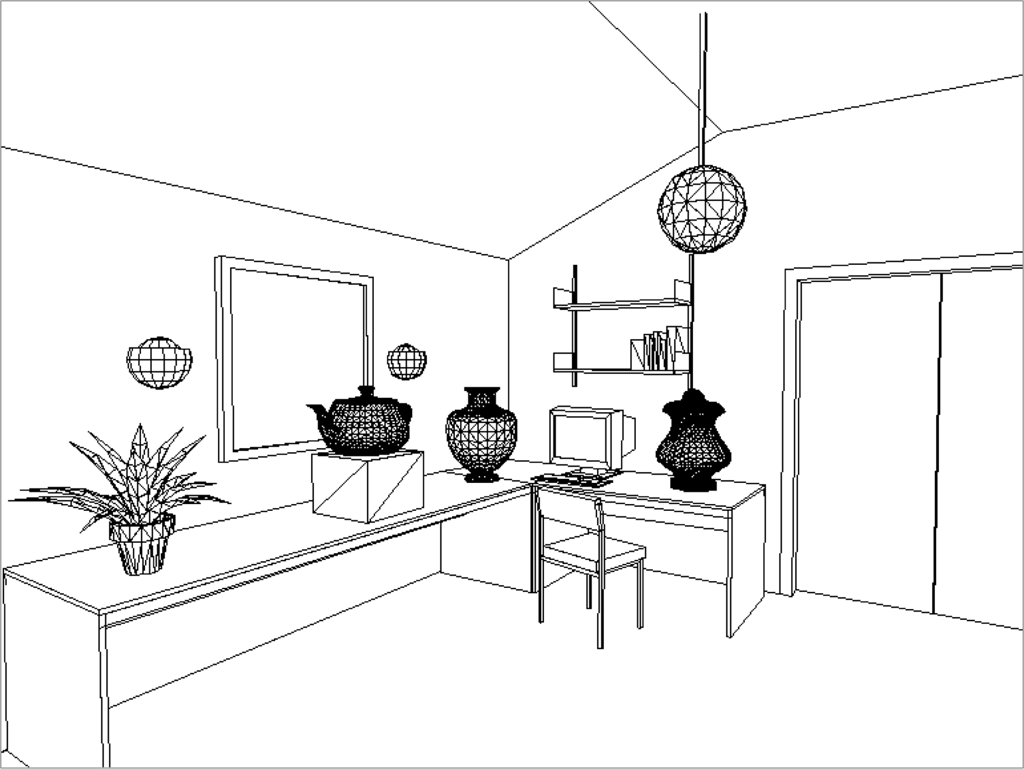
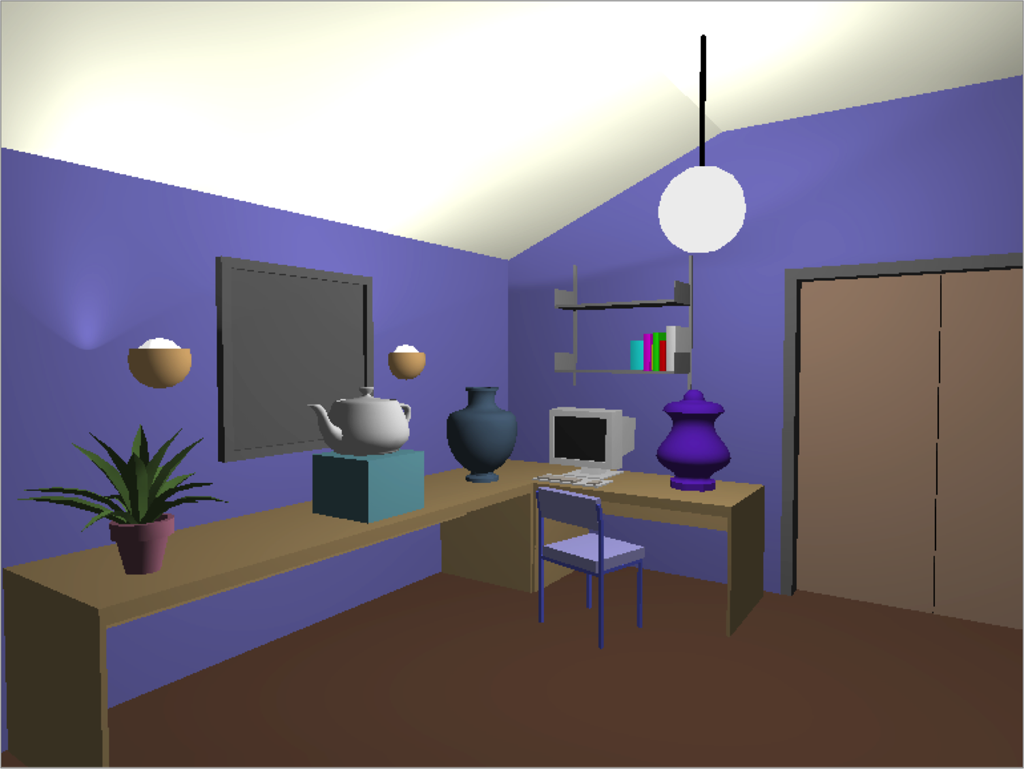
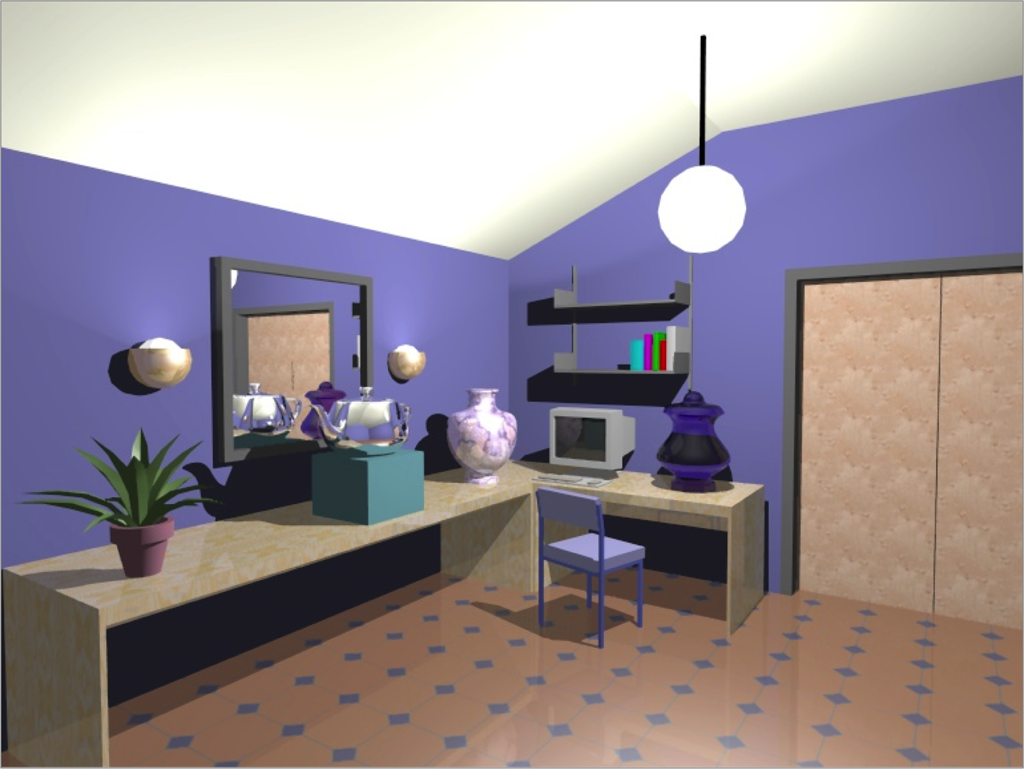
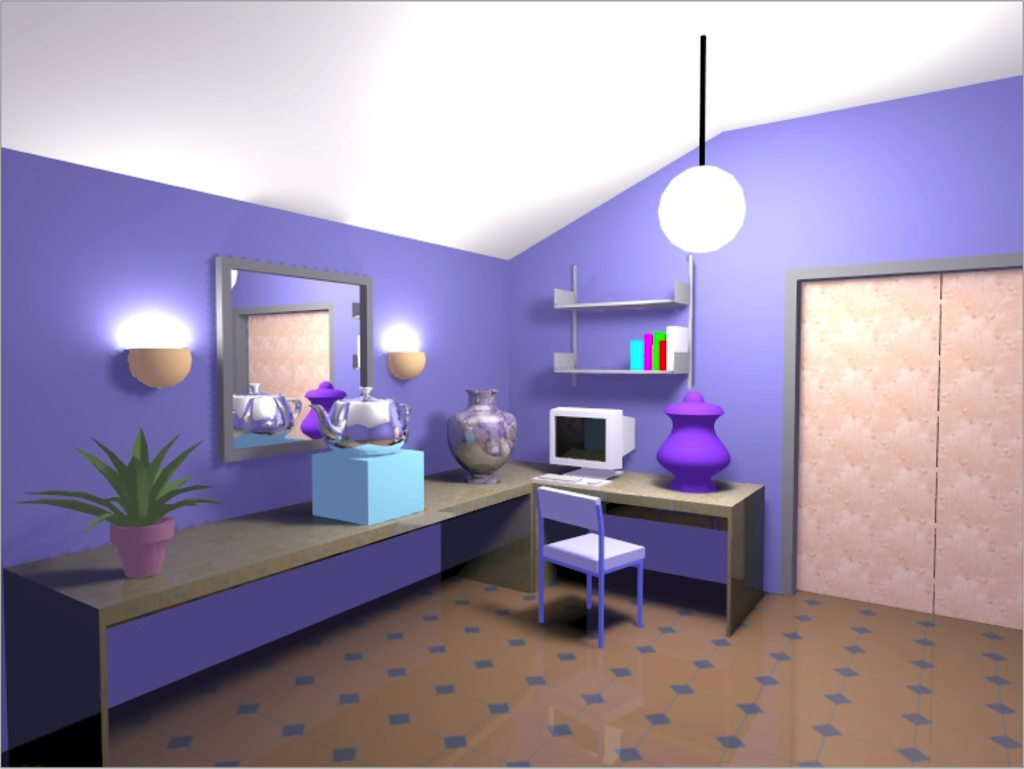
We're primarily focusing on the Computer Science part of 3D Computer Graphics.
For our assignments, we'll be using C++ and OpenGL.
What we learn can be extended to any language (Python, Java, Scheme...), and we learn the underlying theory behind it all.
In AS0, you will be dealing with OpenGL!
example_00.cpp
Download it from the class website.
Instructions on how to run it are included in the README.txt
int main(int argc, char *argv[]) {
    //This initializes glut
    glutInit(&argc, argv);

    //This tells glut to use a double-buffered window with RGB channels
    glutInitDisplayMode(GLUT_DOUBLE | GLUT_RGB);

    // Initalize theviewport size
    viewport.w = 400;
    viewport.h = 400;

    //The size and position of the window
    glutInitWindowSize(viewport.w, viewport.h);
    glutInitWindowPosition(0, 0);
    glutCreateWindow("CS184!");

    initScene();                     // quick function to set up scene

                                     // functions to run when...
    glutDisplayFunc(myDisplay);      // it's time to draw something
    glutReshapeFunc(myReshape);      // window gets resized
    glutIdleFunc(myFrameMove);       // not handling any other task
    glutMainLoop();                  // infinite loop
    return 0;
  }
void myReshape(int w, int h) {
  viewport.w = w;
  viewport.h = h;

  // sets the rectangle that will be the window
  glViewport(0,0,viewport.w,viewport.h);
  glMatrixMode(GL_PROJECTION);

  // loading the identity matrix for the screen
  glLoadIdentity();

  // glOrtho sets left, right, bottom, top, zNear, zFar of the chord system

  // glOrtho(-1, 1 + (w-400)/200.0 , -1 -(h-400)/200.0, 1, 1, -1); // add
  // glOrtho(-w/400.0, w/400.0, -h/400.0, h/400.0, 1, -1); // center

  glOrtho(-1, 1, -1, 1, 1, -1);    // resize type = stretch

}
void myDisplay() {
  // This is a quick hack to add a little bit of animation.
  static float tip = 0.5f;
  const  float stp = 0.0001f;
  const  float beg = 0.1f;
  const  float end = 0.9f;

  tip += stp;
  if (tip>end) tip = beg;

  glClear(GL_COLOR_BUFFER_BIT);                // clear the color buffer (sets everything to black)

  glMatrixMode(GL_MODELVIEW);                  // indicate we are specifying camera transformations
  glLoadIdentity();                            // make sure transformation is "zero'd"

...
  //----------------------- code to draw objects --------------------------
  // Rectangle Code
  //glColor3f(red component, green component, blue component);
  glColor3f(1.0f,0.0f,0.0f);                   // setting the color to pure red 90% for the rect

  glBegin(GL_POLYGON);                         // draw rectangle
  //glVertex3f(x val, y val, z val (won't change the point because of the projection type));
  glVertex3f(-0.8f, 0.0f, 0.0f);               // bottom left corner of rectangle
  glVertex3f(-0.8f, 0.5f, 0.0f);               // top left corner of rectangle
  glVertex3f( 0.0f, 0.5f, 0.0f);               // top right corner of rectangle
  glVertex3f( 0.0f, 0.0f, 0.0f);               // bottom right corner of rectangle
  glEnd();
  // Triangle Code
  glColor3f(1.0f,0.5f,0.0f);                   // setting the color to orange for the triangle

  float basey = -sqrt(0.48f);                  // height of triangle = sqrt(.8^2-.4^2)
  glBegin(GL_POLYGON);
  glVertex3f(tip,  0.0f, 0.0f);                // top tip of triangle
  glVertex3f(0.1f, basey, 0.0f);               // lower left corner of triangle
  glVertex3f(0.9f, basey, 0.0f);               // lower right corner of triangle
  glEnd();
  //-----------------------------------------------------------------------

  glFlush();
  glutSwapBuffers();                           // swap buffers (we earlier set double buffer)
}
void initScene(){
  glClearColor(0.0f, 0.0f, 0.0f, 0.0f); // Clear to black, fully transparent

  myReshape(viewport.w,viewport.h);
}

void myFrameMove() {
  //nothing here for now
  glutPostRedisplay(); // forces glut to call the display function (myDisplay())
}
Now... Do something interesting!
mkdir ~/public_html
echo "Hello World" > ~/public_html/index.html
chmod 701 ~
chmod -R 755 ~/public_html
You may need to run
chmod -R 755 ~/public_htmlagain when you add new files/directories to it.
HW1